
Best Embroidery Digitizing Software Free for Beginners
A lot of beginners ask me, is there free embroidery digitizing software free? The good news is yes. The best one I’ve used is Ink/Stitch. It actually lets you make your own stitch files from scratch without paying. Along with it, tools like My Editor, ARTlink, TrueSizer, and Embrilliance Express are super helpful for editing, adding names, and changing file types. Put together, they give you a complete free toolkit to start embroidery right at home.
When I first searched for embroidery software free download, I got lost. Almost everything was just a trial or had too many limits. After a lot of testing, I finally found the tools that truly help beginners. That’s what I’m sharing here so you don’t waste time like I did.
Embroidery Digitizing Software Free for Beginners: Ink/Stitch
So, what is the best embroidery software for digitizing? For me, the answer is Ink/Stitch. It runs inside Inkscape (a free drawing program) and can turn shapes into stitches like satin, fill, or simple running stitches.
I will be honest at first it felt a little tricky. But after some practice, I managed to stitch a flower design on a tote bag and it worked beautifully. That moment gave me confidence that free tools really can do the job. Ink/Stitch works on Windows, Mac, and Linux, so even if you’re looking for embroidery software free download for Windows 10, it’s a safe choice.
Free Editors and Converters for Embroidery Digitizing Software Free
Digitizing is just the start. Once you make a design with Embroidery Digitizing Software Free, you often need to resize it, recolor it, or convert it into the right format for your machine. That’s where editors and converters help.
I personally like My Editor because it’s light and simple. I can preview designs, see them in 3D, change thread colors, and save them into formats like PES, DST, or EXP. Once my Brother machine refused to read a DST file, but when I saved it as PES in My Editor, it worked perfectly. That’s why I think it’s one of the best free embroidery software for Brother machines.
BERNINA ARTlink 9 is another favorite of mine. It has a hoop library that lets you check if your design fits before stitching. This small step has saved me from wasting fabric more times than I can count.
Why Try TrueSizer and Embrilliance Express for Embroidery Digitizing Software Free
Wilcom TrueSizer and WilcomWorkspace are free tools that don’t create new designs, but they’re perfect for editing downloads. You can open a file, resize it, or recolor it quickly, which is really handy if you get designs from the internet.
Embrilliance Express is another tool I’ve used a lot. It focuses on lettering and lets you use BX fonts to add names and monograms. I have made plenty of personalized towels and napkins with it, and it always feels simple and reliable.
How Do I Digitize My Own Embroidery Designs?
One of the biggest question beginners ask is: how do I digitize my own embroidery designs? Here’s how I usually do it.
I start with a clean image in Inkscape. Then I use Ink/Stitch to choose the stitch types—satin for smaller parts, fill for larger areas, and running stitches for outlines. I also adjust the density so the stitches aren’t too close, and add some underlay so the fabric doesn’t pucker. Finally, I save the file in the format my machine reads, like PES or JEF.
It takes some practice, but with Embroidery Digitizing Software Free, Once you see your design stitched on fabric, it is totally worth the effort.
Can AI Digitize Embroidery? Free Embroidery Digitizing Online
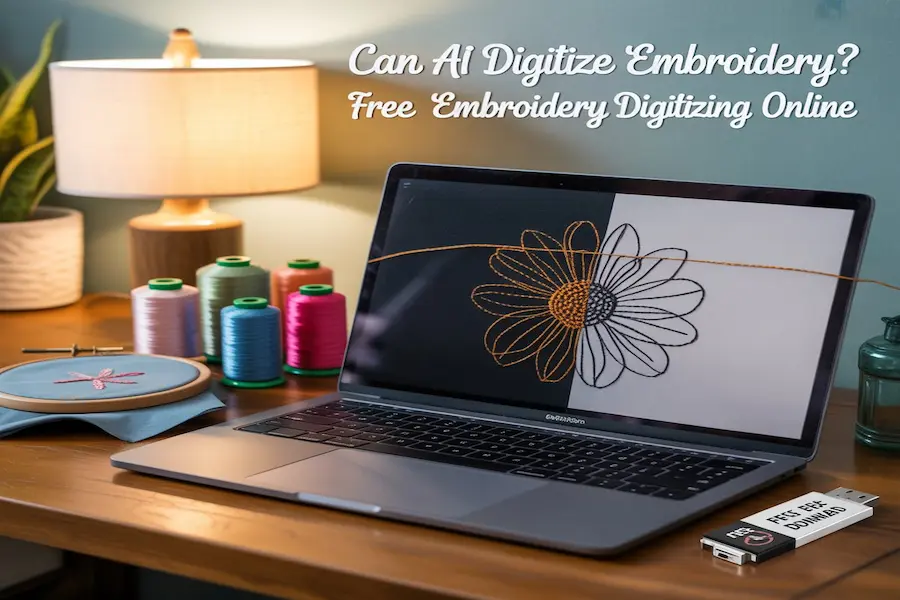
A lot of people ask me, can AI digitize embroidery? The truth is, some paid software can “auto-digitize,” where it guesses stitches from a picture. But most of the time, the results are messy and need fixing.
There are also a few websites that say they offer free embroidery digitizing online, but honestly, most of them just change file formats. They don’t actually create real stitch files. From my own use, manual digitizing with Ink/Stitch is still the best option for clean results.
Formats and PES Embroidery Software Free Download
Embroidery machines don’t all read the same type of files.
Here’s what I’ve learned:
- DST works on many machines, but it doesn’t keep color info.
- PES is common for Brother machines and does keep colors.
- JEF/VP3 are used by other brands and also include color data.
If you’re searching for PES embroidery digitizing software free download, My Editor and TrueSizer can both convert files into PES. I use them all the time for preparing
Common Mistakes Beginners Make
When I started, I made a ton of mistakes. Here are the ones that come up most often and how I fixed them:
I ran into puckering (wrinkled fabric) because I made my stitches too dense. Lowering the density and using a stabilizer fixed it. I also saw gaps at the edges when the fabric stretched, so I added underlay stitches and a little extra space. Thread breaks drove me crazy at first, but switching to 40 wt polyester thread with a fresh 75/11 needle solved it. And of course, I dealt with design shifting because my hoop was too loose. Using the smallest hoop possible made a big difference.
These are simple fixes but with Embroidery Digitizing Software Free they turn messy results into clean embroidery.
Beginner Project Ideas
The best way to learn is to start small. Here are some projects that worked for me:
I added names on towels using Embrilliance Express, digitized a flower in Ink/Stitch and stitched it on a tote bag, converted a logo into PES with TrueSizer and put it on a cap, and even tested hoop sizes in ARTlink before stitching napkin monograms.
Each small project with Embroidery Digitizing Software Free gave me practice and over time I saw my confidence grow.
When to Try Paid Options Like Hatch Embroidery Software
Free programs like Embroidery Digitizing Software Free are powerful but at some point you might want more features. That’s where Hatch Embroidery software comes in. It offers a 30-day free trial with auto-digitizing and advanced fonts.
I only tried Hatch after completing a few projects with Ink/Stitch. That way, I knew the basics and could actually compare what the paid tool offered. Paid software is expensive, so my advice is to start free and only upgrade if you truly feel limited.
FAQs
Q1: Is there embroidery digitizing software free?
Ans: Yes, Ink/Stitch is the only one that digitizes from scratch.
Q2: What is the best free embroidery software for Brother machines?
Ans: My Editor and Embrilliance Express, since they work with PES files.
Q3: Can I get embroidery digitizing software free download for Windows 10?
Ans: Yes, Ink/Stitch, My Editor and TrueSizer all run on Windows 10.
Q4: What is the best free digitizing software overall?
Ans: Ink/Stitch, because it lets you create full designs.
Conclusion
Free embroidery digitizing software makes it possible to learn without spending money. Ink/Stitch is still the best free digitizer while My Editor, ARTlink, TrueSizer and Embrilliance Express are perfect for editing, lettering and file conversions.
Your first stitches may not look perfect but every project helps you get better. With this free toolkit, You have everything you need to start Embroidery Digitizing Software Free your own designs at home. And when you are ready you can try Hatch or other paid options. Until then, free software is more than enough to get you started with confidence.
Also Visit FineGLob for more quality informative content.